
Everything from the first invitation to the last guest
MartiHub keeps the guest list, invitations and door in one place, so everyone works from the same names and numbers.
Invitations
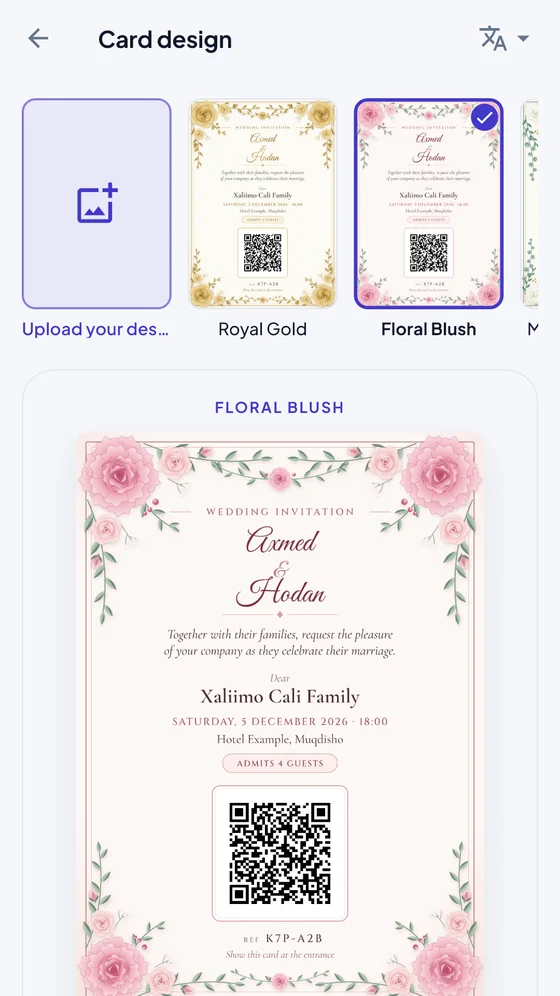
- 15 card designs in five styles, with lettering chosen to suit the event type
- Upload your own design in A6, B6 or A5, as an image or PDF, and place the QR yourself
- Cards in Somali, English or Arabic, with wording that follows the event type
- Send the card with a message, or the message alone, from your own WhatsApp
- Print too: A6, B6 or A5, on A4 sheets or exact-size paper
Guest list
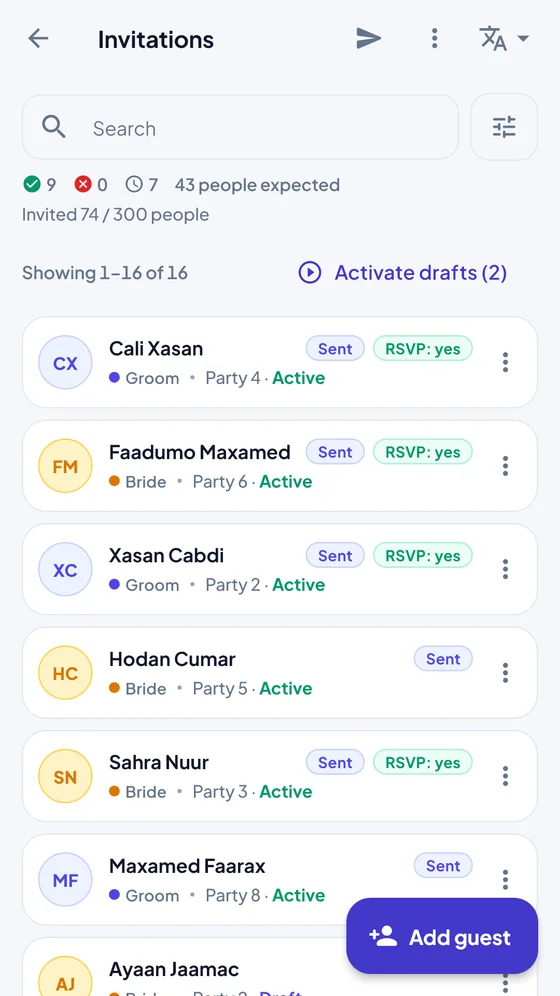
- Add guests one by one or import an Excel file, and export it any time
- Optional guest groups: groom’s and bride’s sides for a wedding, your own two names or none for other events
- Each invitation sets a party size, so families know how many can come
- Guests answer “I’m coming” or “I can’t come” from the message
- Going over the hall’s capacity is highlighted while you invite
At the door
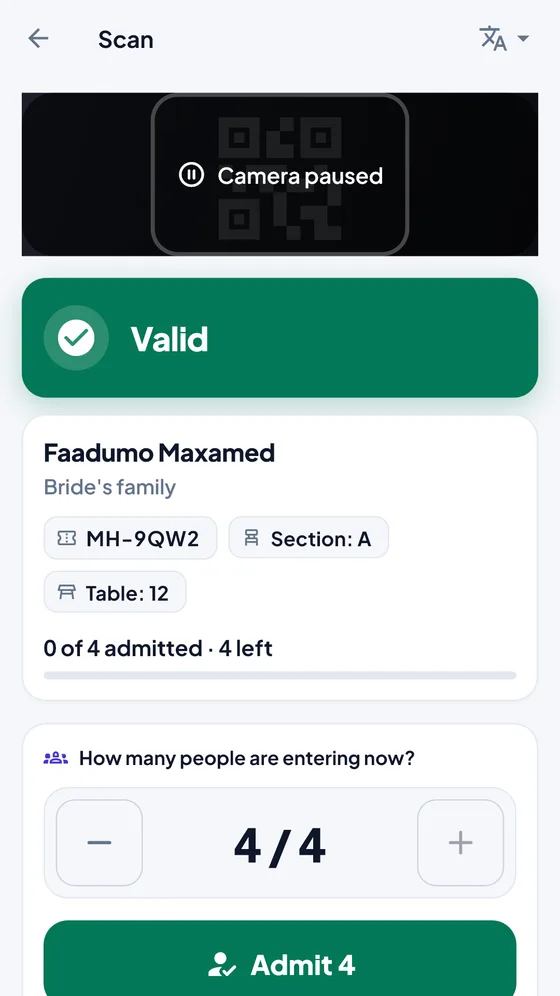
- Scan with the phone camera, with a flashlight for dark halls
- Clear answers, plus the guest’s table and section when you set them
- Admit a whole party now, or part of it now and the rest later
- No QR? Find the guest by name or reference code, with Somali spelling variants
- Check-in opening times, and supervisor approval for exceptions
Live dashboard
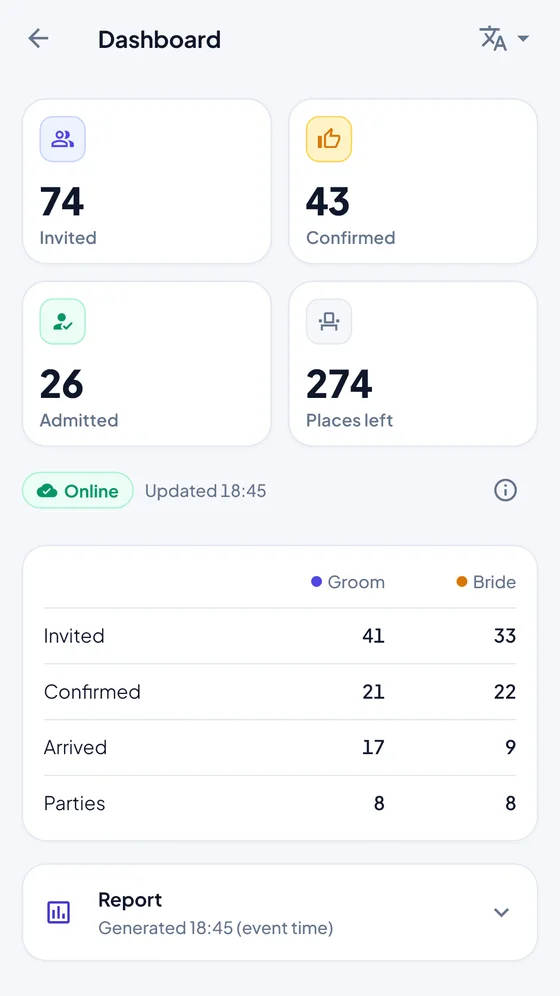
- Invited, confirmed, admitted and places left, as the event happens
- Separate counts for each guest group
- An event report when the doors close
- Staff roles: owner, manager, hosts, door operator and supervisor
When the internet or a phone lets you down
Halls lose connection. MartiHub has a plan for that, and you should rehearse it before the day.
One offline phone
A supervisor prepares one designated phone with a PIN. It keeps admitting while offline; the other phones pause, so the same card can’t be used twice at two doors.
Sync and reconcile
When the connection returns, admissions sync and any conflicts go to a supervisor to resolve.
Paper list
As a last resort, a printed master list lets two staff record entries together and add them to the system afterwards.
Offline mode is still being tested on real phones. Run a practice with your own devices before relying on it.
Your guests’ details stay yours
- Guest data is deleted automatically 30 days after the event closes, unless the venue sets a different period
- No ads, no trackers, and we never sell data
- All traffic is encrypted, and invitation codes are stored only as hashes
- The camera only reads QR codes; no images are stored or uploaded
Have an event coming up?
Tell us the date and how many guests you expect. We’ll help you set it up.
Talk to us